
What to do
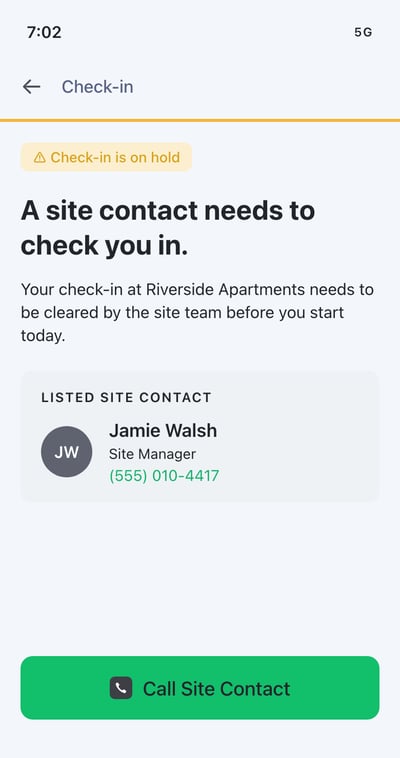
- If the screen shows a list of site contacts, tap Call Site Contact to call them. Or go to the site office to find the site manager.
- The team will provide further instructions on what to do before you continue.
- Once the site team has cleared you, you'll receive a confirmation notification: You Can Check In Again.
- Check in to the site as normal.
Good to know
- Sometimes you'll see a short red message instead of the full screen: Check-in is on hold. Please contact the site team. Follow the same steps above.
- A check-in on hold only affects that site. You can still check in at other sites unless they tell you otherwise.
- The site team is aware you tried to check in, so they may already be expecting you.
Troubleshooting
- You got "You Can Check In Again" but still can't check in. Close and reopen the app, then try again. If it still doesn't work, contact the site team.
Need help or have a question?
Contact our Support Team on +1 628 304 3793 or email support@breadcrumb.co.
We’re happy to help!